
Your wall. Your cinema. Anywhere.
A palm-sized smart projector with Android 14, built-in streaming apps and a 180° rotating stand — project onto the wall or ceiling in seconds.
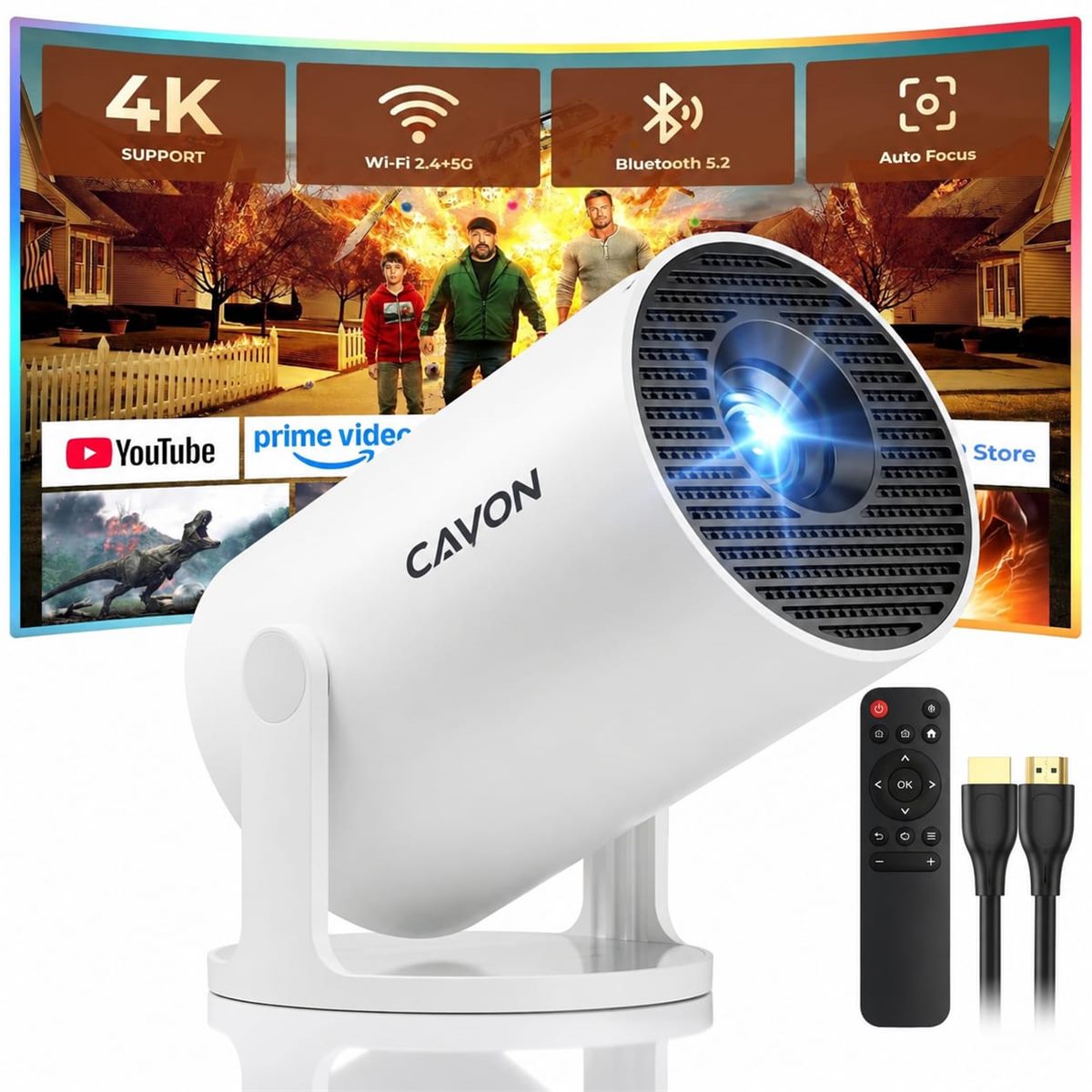
Cavon HY300 PRO+ Projector
Android 14 · Built-in apps · Wi-Fi 6 · Bluetooth 5.2 · Supports 1080P
This product isn't sold in your country yet. Switch country at the top, or contact us to be notified.
- Android 14 smart system — open compatible apps such as Prime Video, Netflix and YouTube without extra devices.
- 180° rotating stand — project to the wall, behind you or onto the ceiling.
- Dual-band Wi-Fi 6 (2.4G + 5G) for smoother streaming and screen mirroring.
- Auto keystone straightens the picture automatically, plus manual focus for a sharp image.
- Bluetooth 5.2 + 5W speaker — use the built-in speaker or connect your own headphones or soundbar.
- Connect anything — laptop, PS5/PS4, Xbox, Fire Stick and other HDMI or USB devices.
Big-screen entertainment, small footprint
Movies, gaming and more


Tech specs
| Model | Cavon HY300 PRO+ |
|---|---|
| Operating system | Android 14 with built-in apps |
| Native resolution | 1280 × 720 (720P), supports 1080P playback and 4K video decoding |
| Brightness | 200 ANSI lumens |
| Display type | LED |
| Wi-Fi | Dual-band Wi-Fi 6 (2.4 GHz + 5 GHz), screen mirroring |
| Bluetooth | Bluetooth 5.2 — connect speakers and headphones |
| Speaker | Built-in 5W |
| Keystone / focus | Auto vertical keystone, manual focus |
| Rotation | 180° rotating stand — wall, rear and ceiling projection |
| Recommended distance | 0.6 – 2.5 m from the wall |
| Ports | HDMI, USB |
| Compatible with | Laptop, PC, TV stick, TV box, PS5/PS4, Xbox, USB drive, phones (iOS / Android) |
| Size & weight | approx. 17 × 10.1 cm, 0.35 kg |
| Mounting | Table, tripod or ceiling mount |
| In the box | Projector, remote control, power cord, user manual |
Frequently asked questions
Does it play 1080P content?
Yes. The native resolution is 720P and it decodes and plays 1080P content clearly.
The image looks blurry — what should I do?
Place the projector 0.6 to 2.5 m from the wall, then use the focus wheel on the projector or the focus buttons on the remote to sharpen the picture.
Wi-Fi won't connect.
Check the time zone under Settings › Date & time, try both the 2.4 GHz and 5 GHz networks or a phone hotspot, and if needed reset via Settings › Other Settings › Factory Reset.
There's no sound.
Press volume up on the remote, or connect an external Bluetooth speaker via Settings › Bluetooth. A factory reset can also help.
It won't power on.
Make sure the power indicator lights when plugged in and try another power cable. If it still won't start, contact us and we'll help.
It switches itself off.
Check for a high-temperature warning and make sure the fan vents are not blocked. Keep the projector on a hard, open surface while in use.
How is my order delivered?
Orders are placed on Amazon in your country and shipped by Amazon. Returns follow Amazon's return policy.